← All Features
Kiosk Mode & Usage Control
Purpose-built devices for purpose-built work
Single-App KioskMulti-App WorkspaceSystem ControlsDevice Configuration
Lock devices to a single app or curated workspace, control system features, and configure device behavior for your deployment.
Get Started Today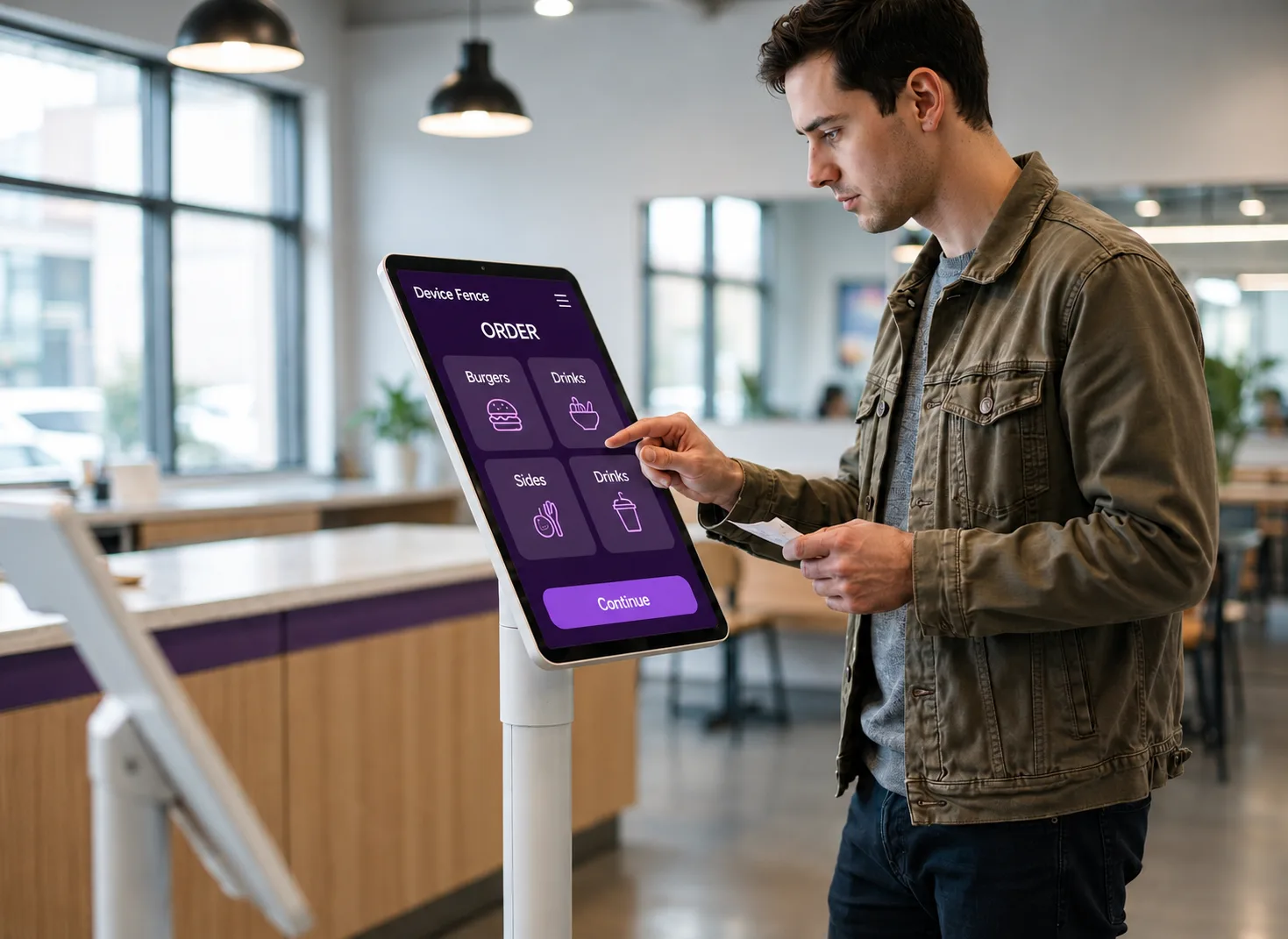
Capabilities
Four Primitives, Infinite Deployments!
Mix and match per device group, per shift, per location — no MDM scripting required.
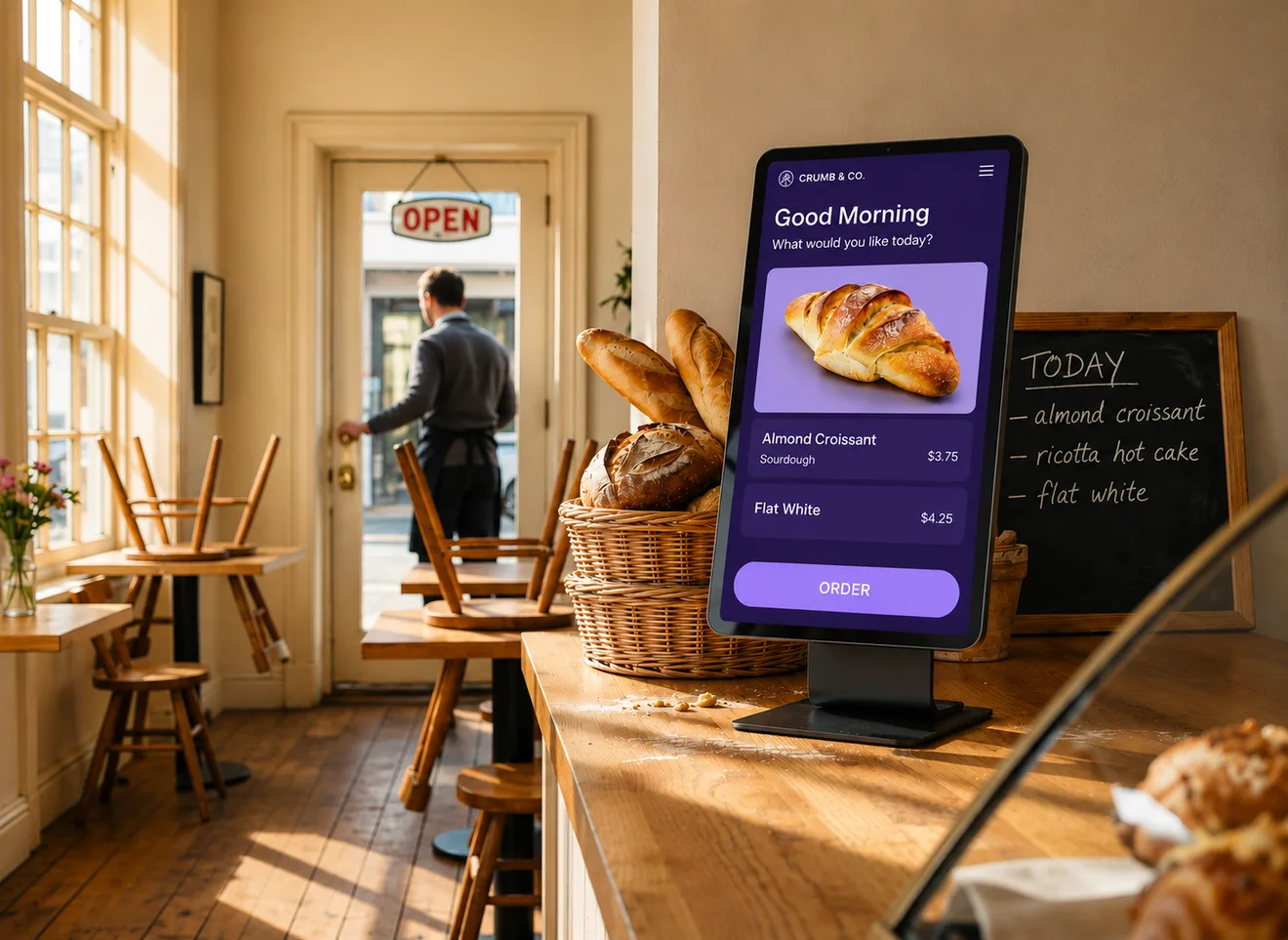
01 / 04 · Single-App Kiosk
Single-App Kiosk
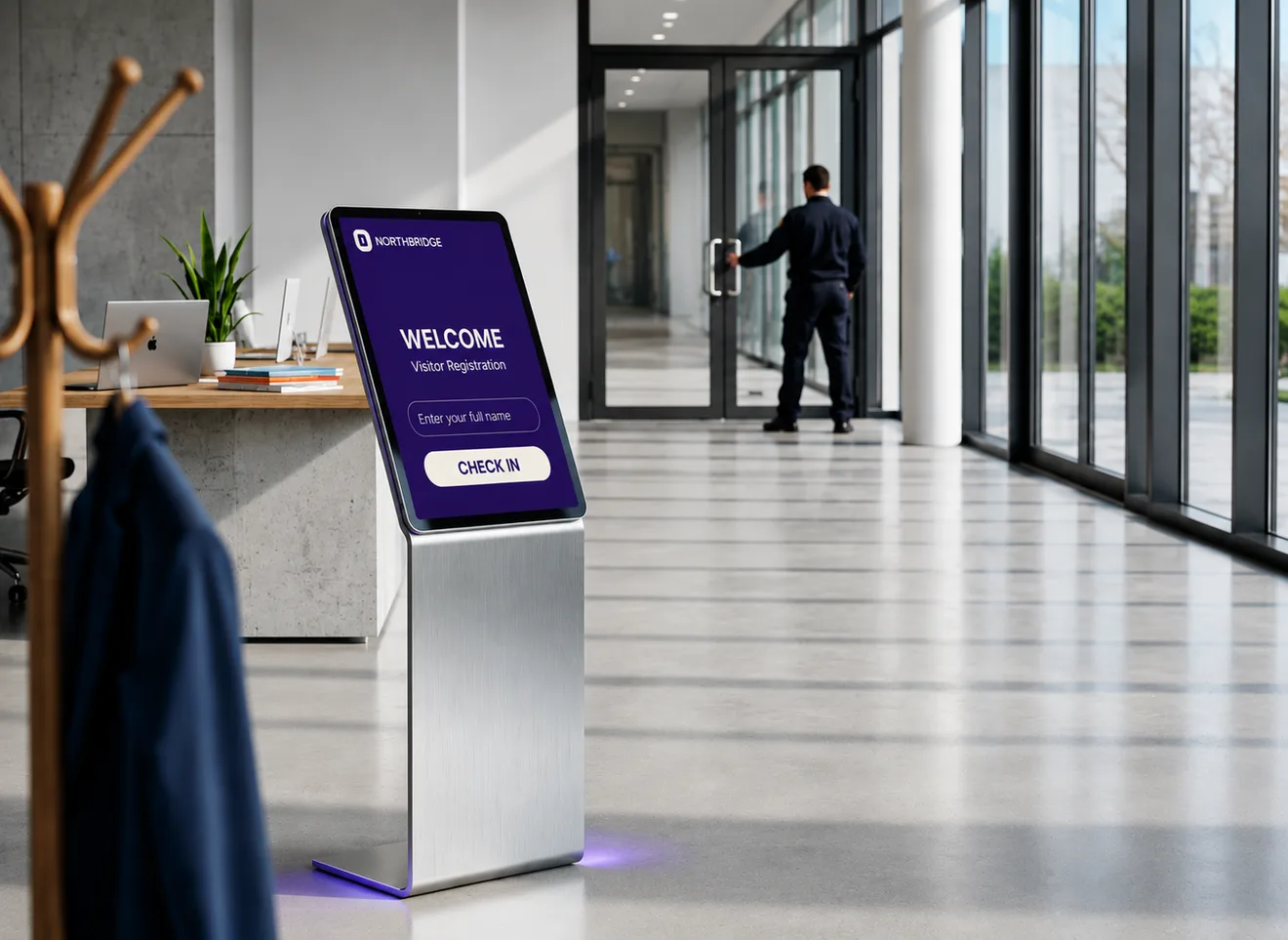
Lock devices to a single business application
- Restrict access to one approved application only.
- Prevent users from exiting or switching apps.
- Perfect for dedicated business devices.
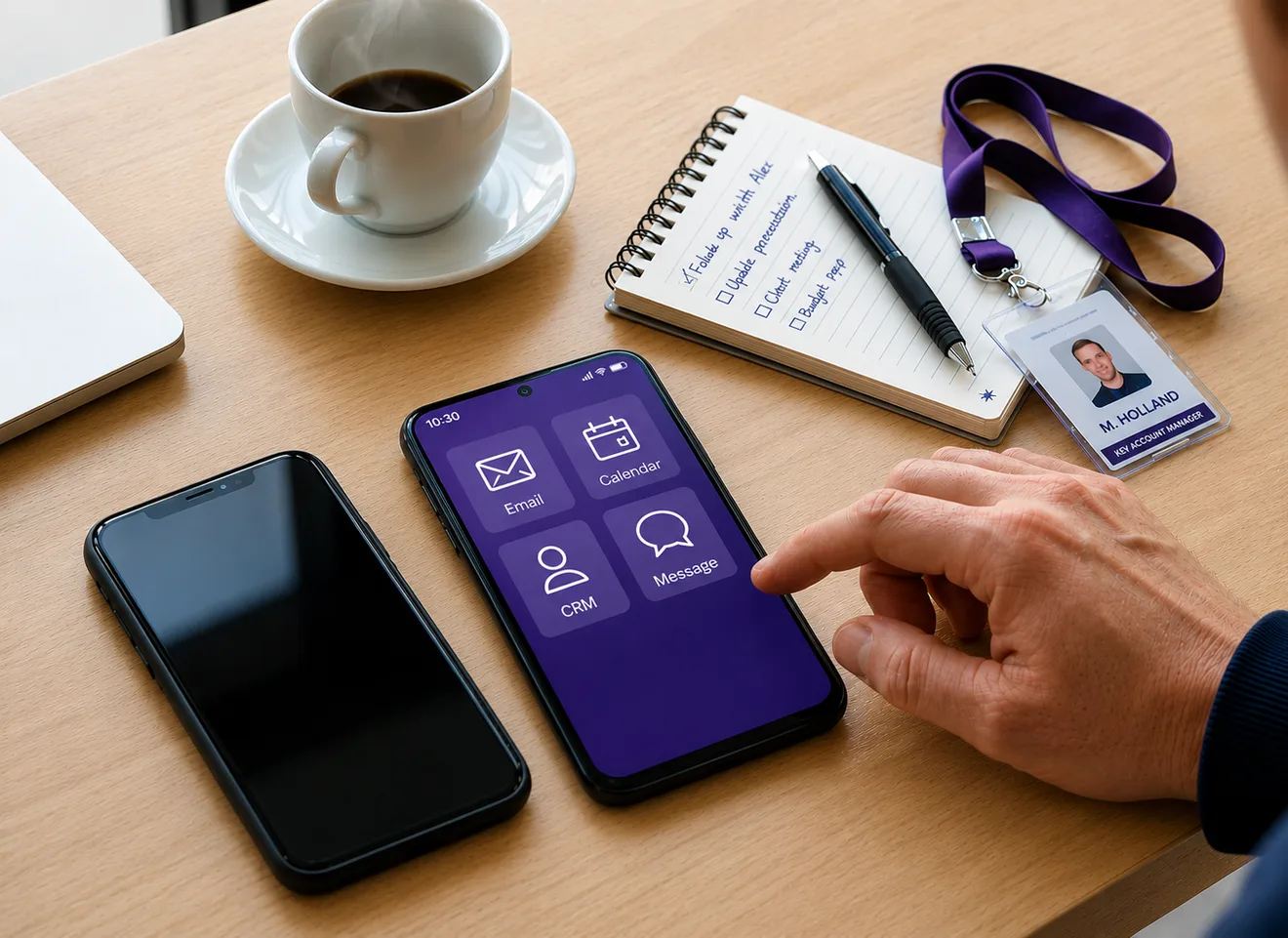
02 / 04 · Multi-App Workspace
Multi-App Workspace
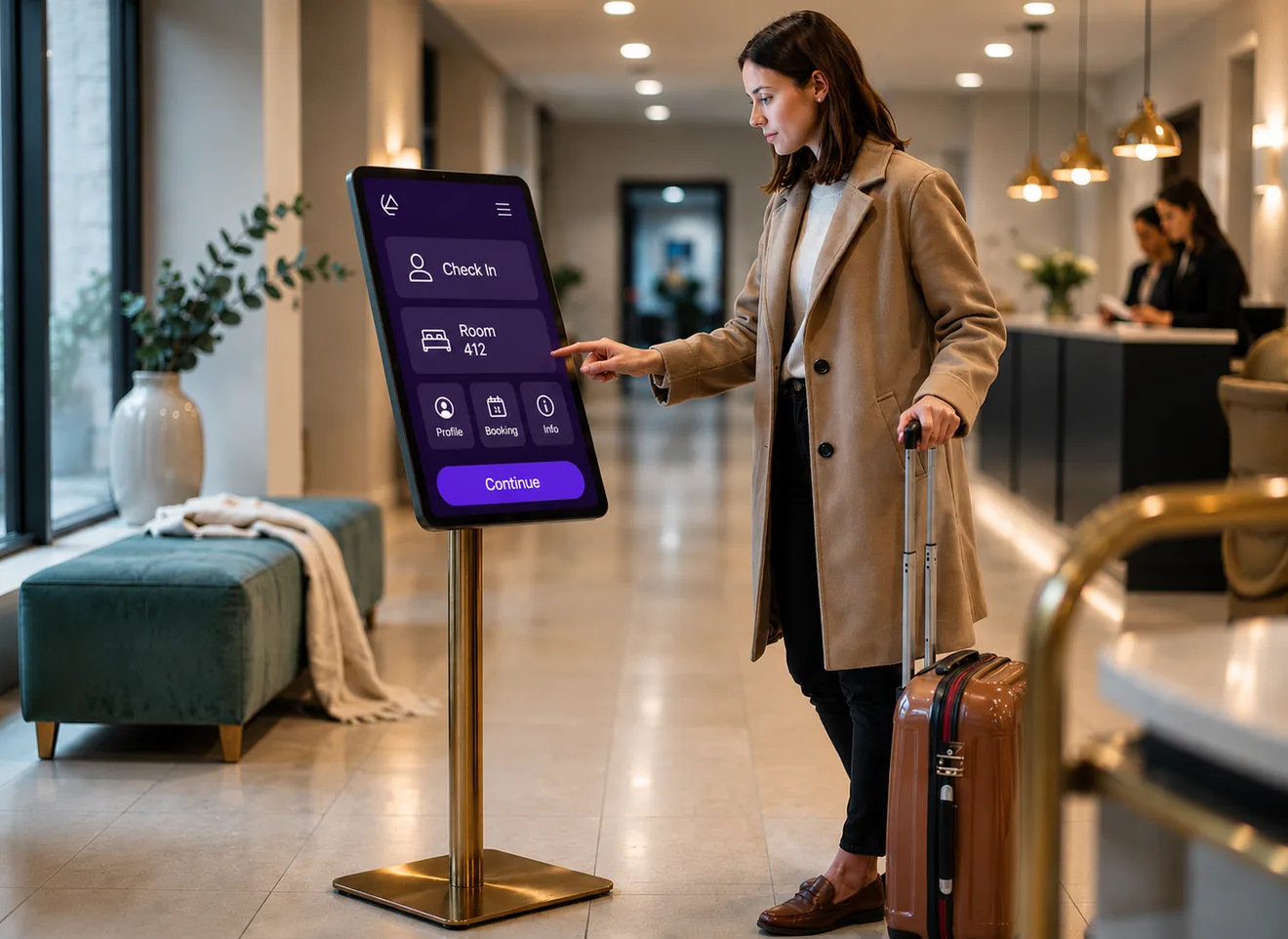
Provide access to approved business applications
- Create a secure launcher with authorized apps.
- Hide personal and non-approved applications.
- Organize apps for productivity while maintaining device security.
03 / 04 · Device Restrictions & System Controls
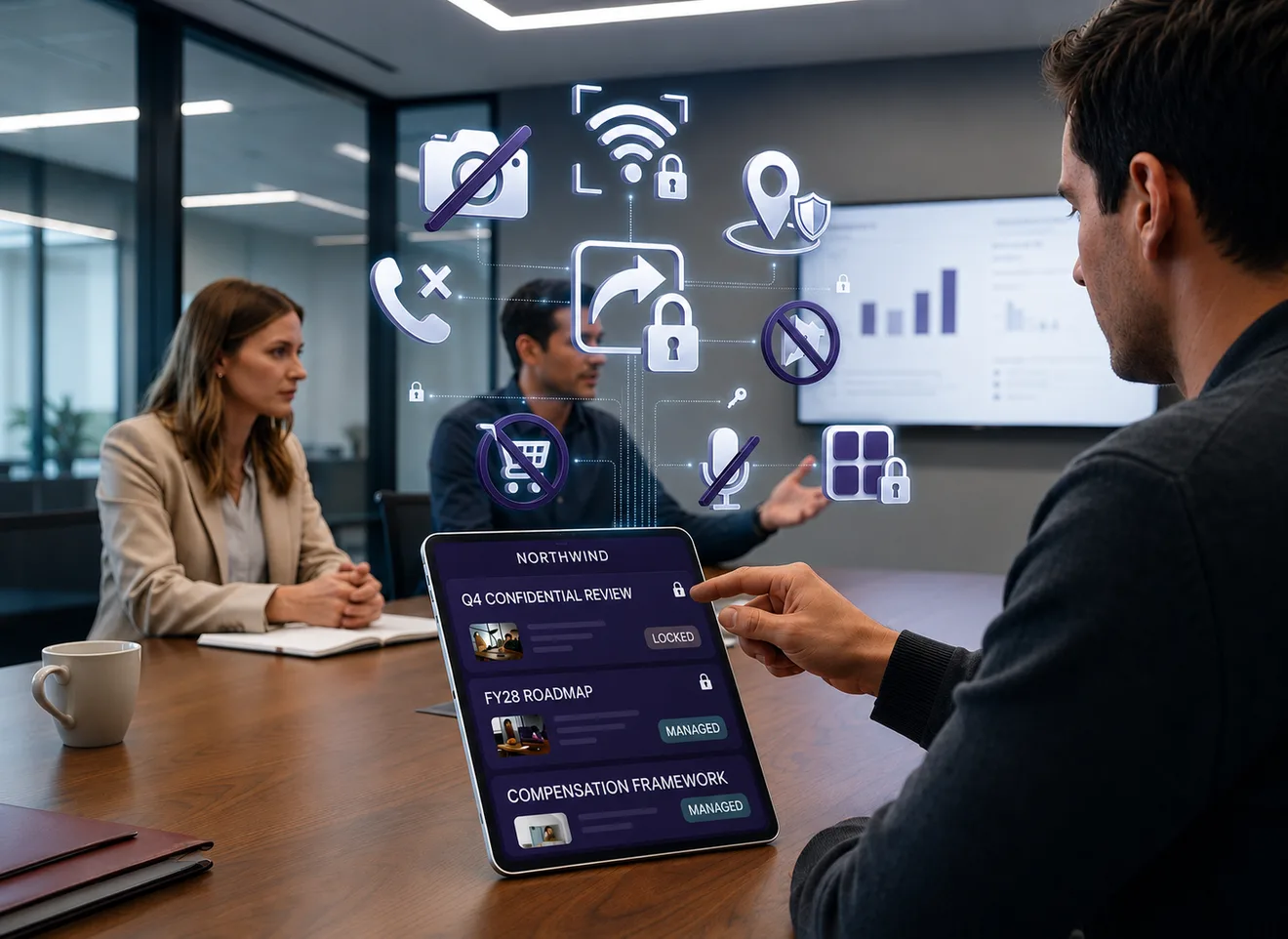
Device Restrictions & System Controls
Control Android system features and user access
- Disable status bar, notification panel, and navigation buttons.
- Restrict settings, factory reset, USB debugging, and app installation.
- Manage Wi-Fi, Bluetooth, camera, screen capture, and other device functions.
04 / 04 · Device Experience & Configuration
Device Experience & Configuration
Configure device behavior for your deployment
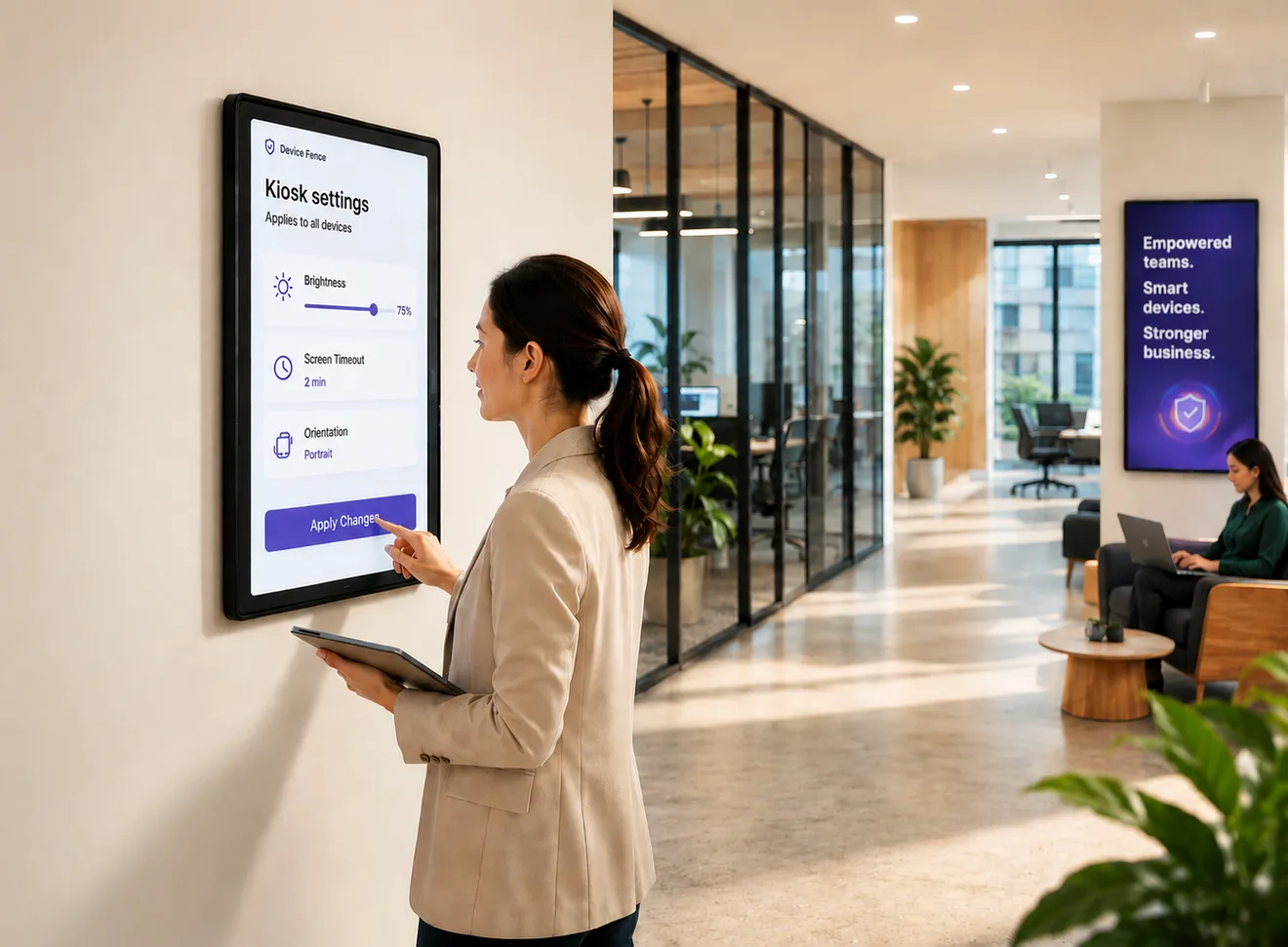
- Control brightness, screen orientation, and screen timeout.
- Apply device-wide settings remotely.
- Optimize devices for kiosks, frontline workers, and shared-use environments.