Application Management
Push, update, and govern every app on every device
Silently deploy, update, and remove business apps across managed devices with granular permission control.
Get Started Today
Four Primitives, Infinite Deployments!
Mix and match per device group, per shift, per location — no MDM scripting required.
App catalog you control
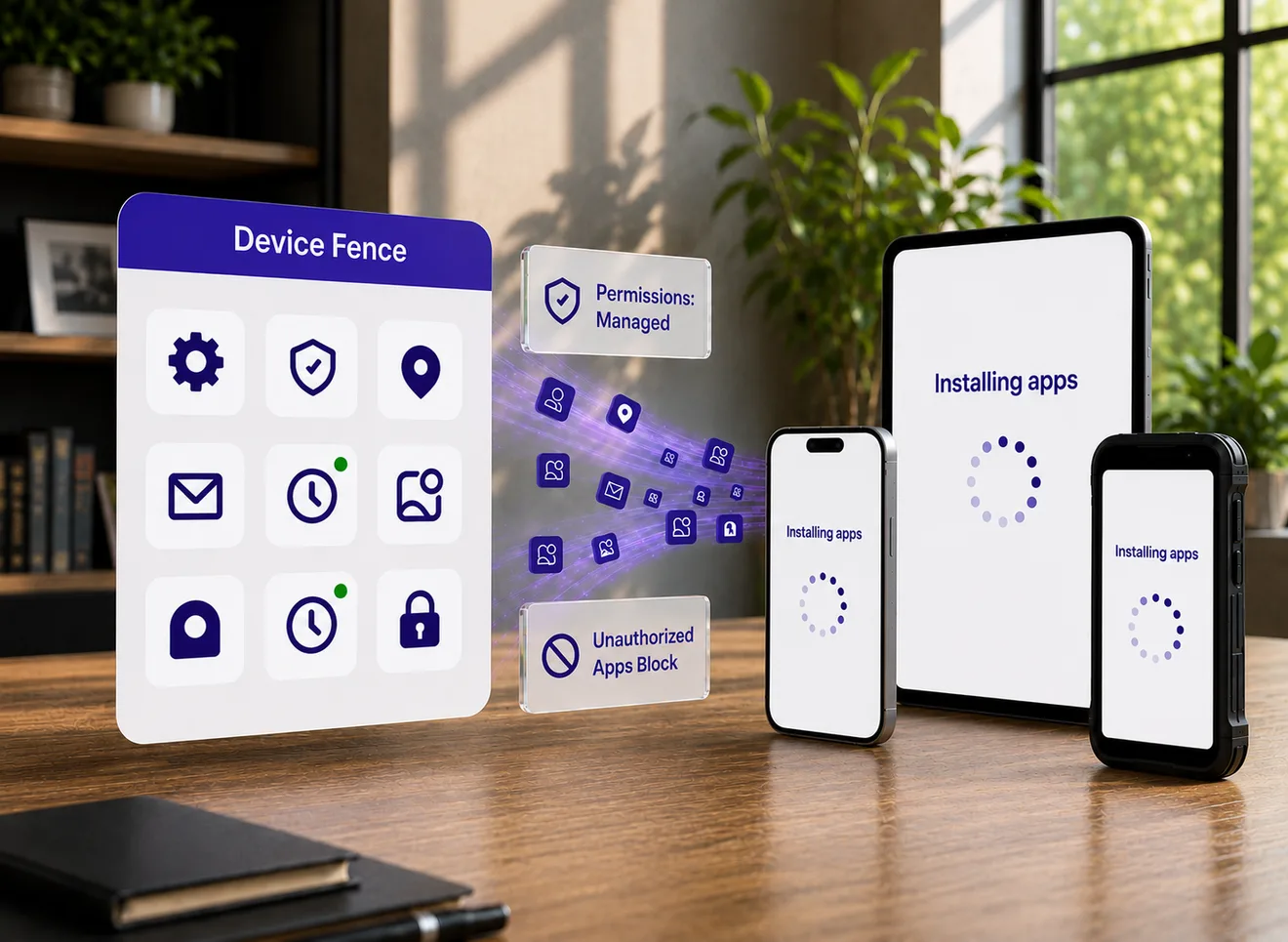
Create a secure, business-approved app catalog for your managed devices. Only the applications selected by your organization are made available to users, ensuring every device stays focused, compliant, and free from unnecessary or unauthorized apps.
- Publish only approved business apps to assigned devices.
- Keep users away from non-work-related or risky applications.
- Manage app availability centrally for different teams, roles, or device groups.
Managed Google Play
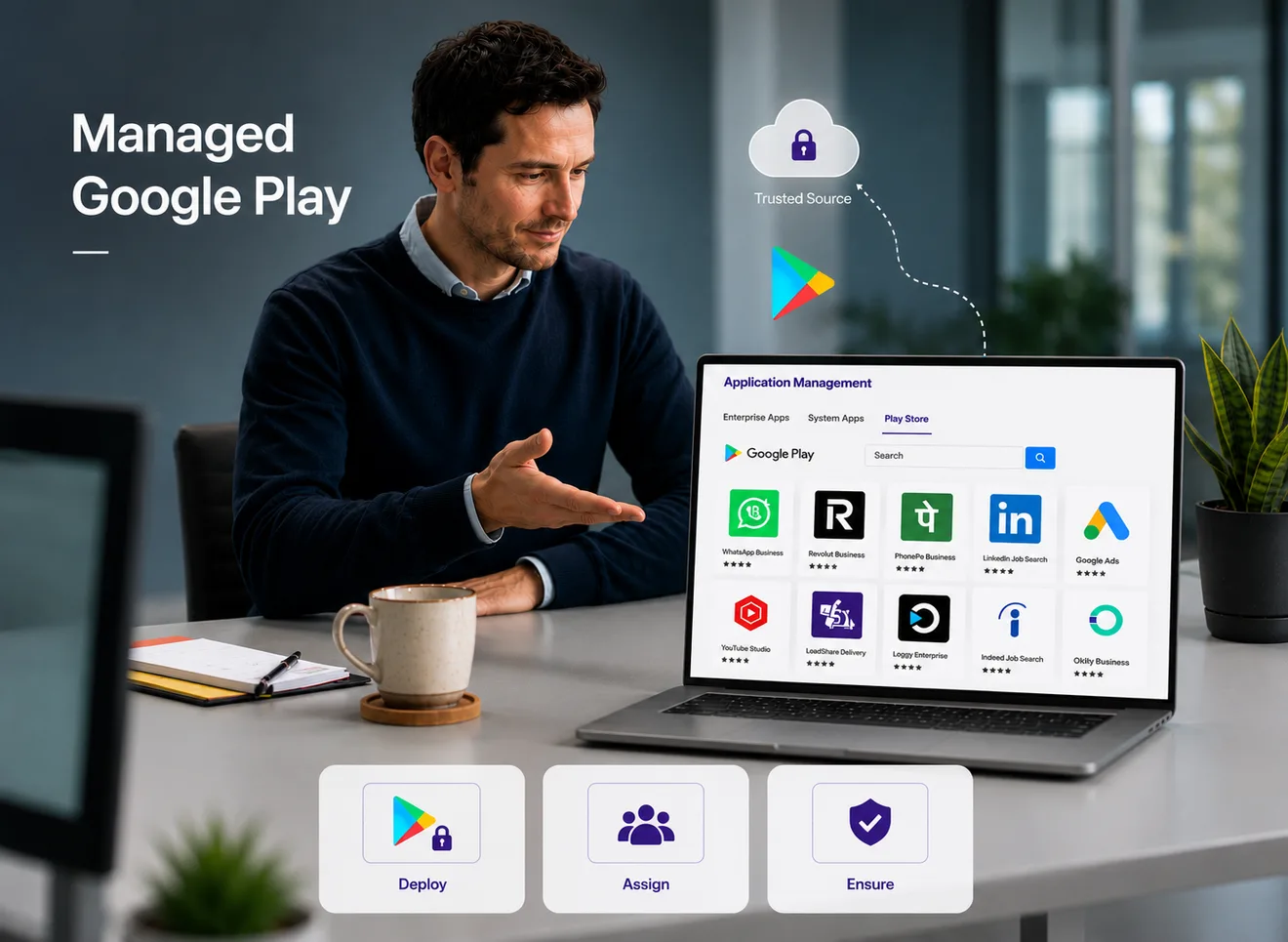
Use Managed Google Play to safely distribute, update, and manage enterprise applications across Android devices. Device Fence makes it easier to control which apps are available, how they are installed, and how updates are handled without relying on manual user actions.
- Deploy public, private, and enterprise apps through Managed Google Play.
- Assign apps based on device policy, department, or use case.
- Ensure apps are installed from a trusted and controlled source.
Silent install and update
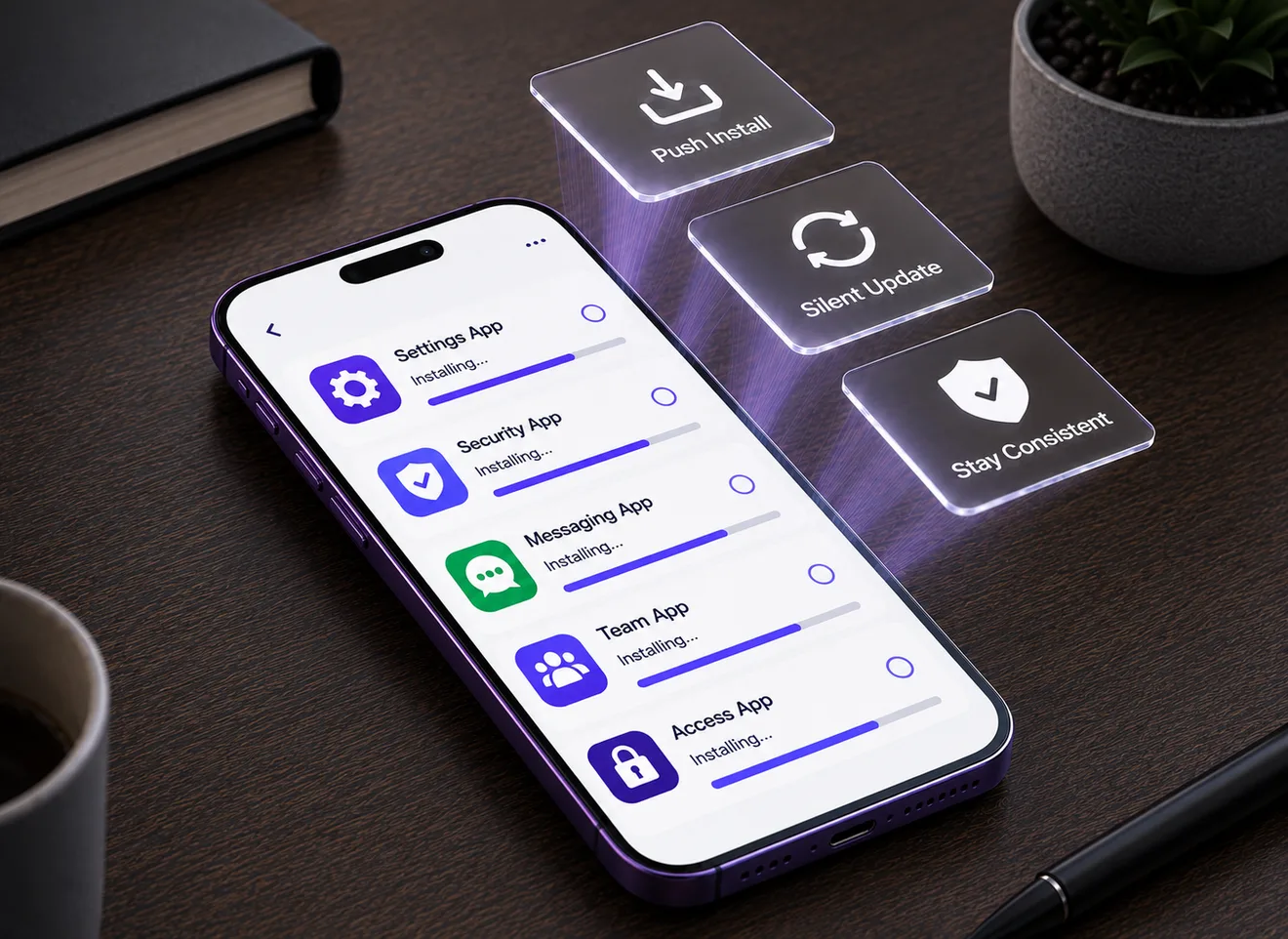
Install and update apps remotely without interrupting users or requiring manual confirmation. This ensures devices always run the required app versions while reducing support effort and keeping field operations smooth.
- Push app installations automatically to selected devices.
- Update apps silently in the background with minimal disruption.
- Keep devices consistent by ensuring all users run approved app versions.
Runtime permissions
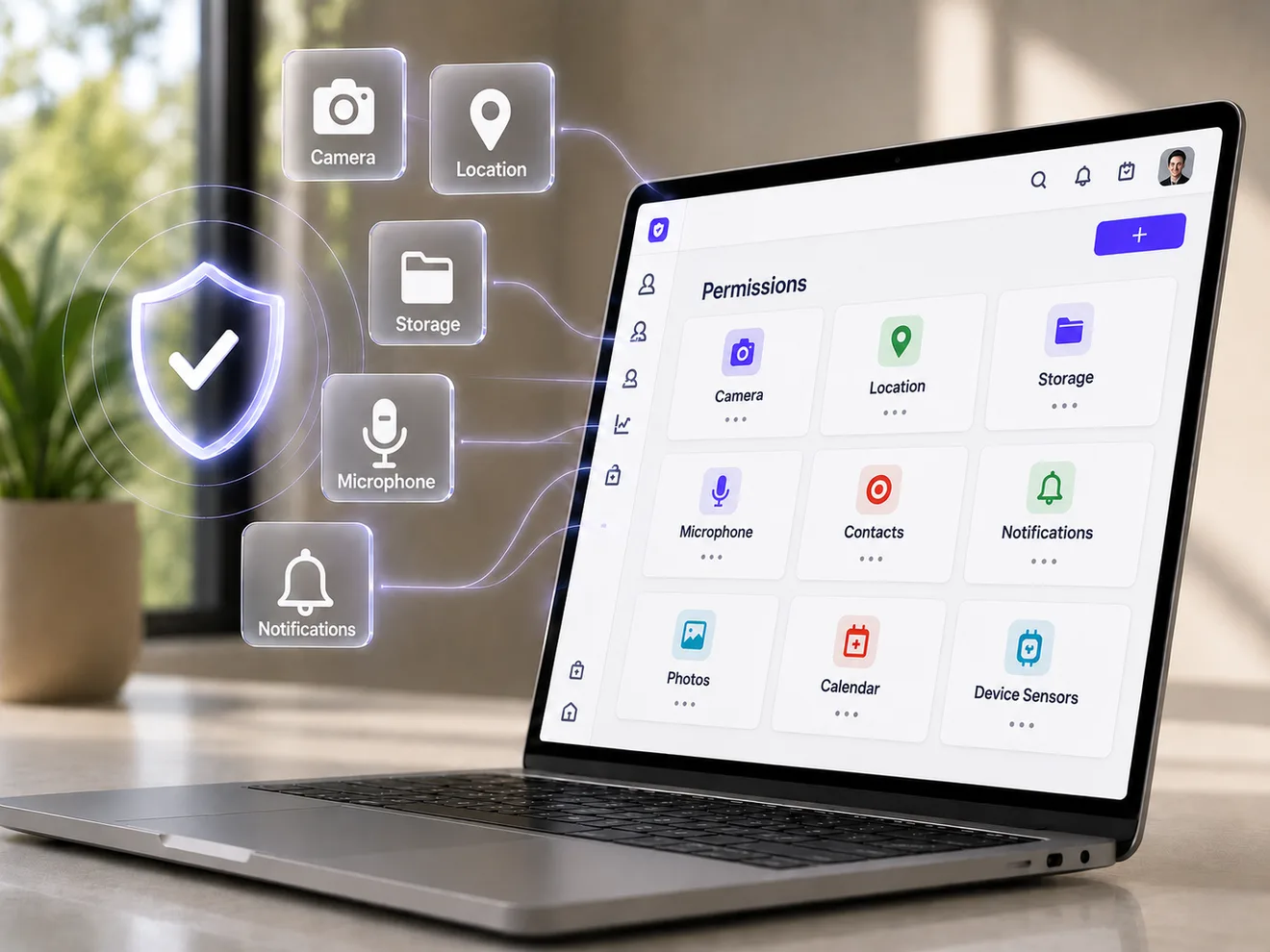
Pre-configure application permissions such as camera, location, storage, microphone, and notifications before the app is used. This removes repeated permission prompts and ensures business-critical apps work correctly from the first launch.
- Automatically grant or deny permissions based on policy.
- Avoid user confusion caused by repeated permission pop-ups.
- Ensure apps have the access they need for smooth operation.