← All Features
Centralized Device Management
One dashboard. Every device. Total control.
Single PaneLive StatusSmart FiltersMulti-TenantAudit Trail
A single pane of glass to manage every phone, tablet, and POS across your organization from one IT workstation.
Get Started Today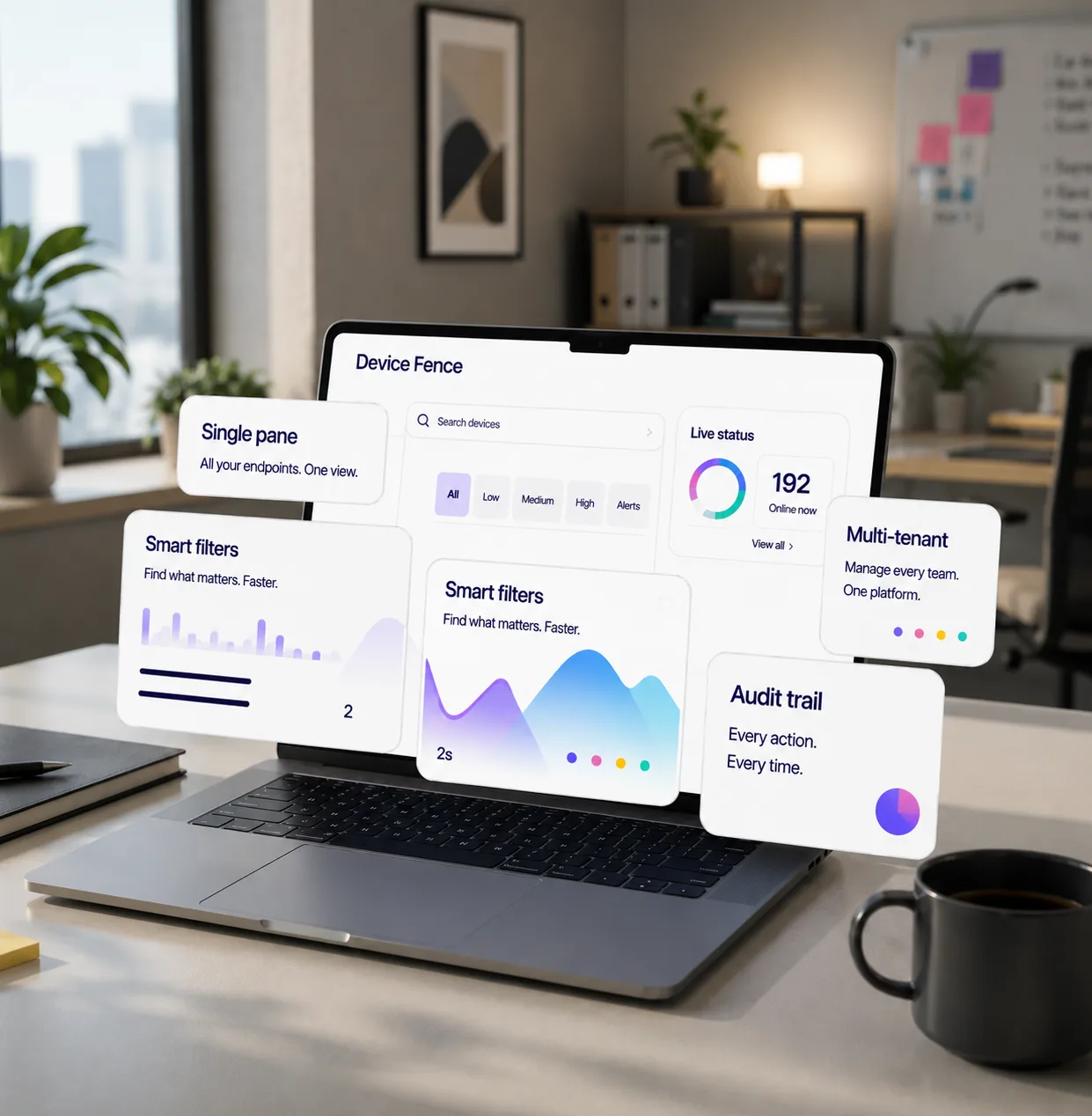
Capabilities
Four Primitives, Infinite Deployments!
Mix and match per device group, per shift, per location — no MDM scripting required.
01 / 04 · One Unified Dashboard
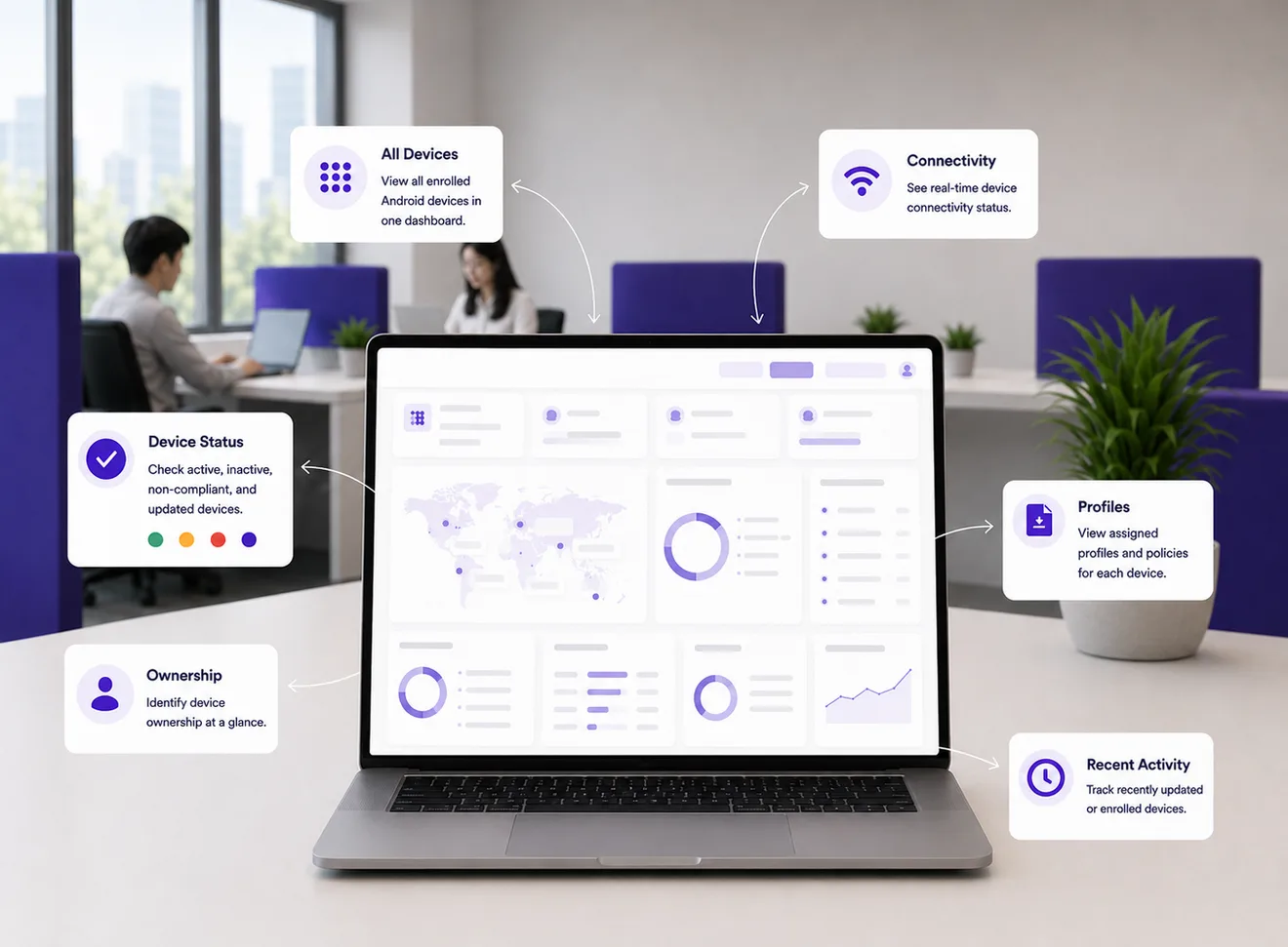
One Unified Dashboard
Manage your entire Android device fleet from one clean control center.
- View all enrolled devices in a single dashboard.
- Quickly check device status, ownership, profile, and connectivity.
- Identify active, inactive, non-compliant, or recently updated devices.
02 / 04 · Smart Search & Filters
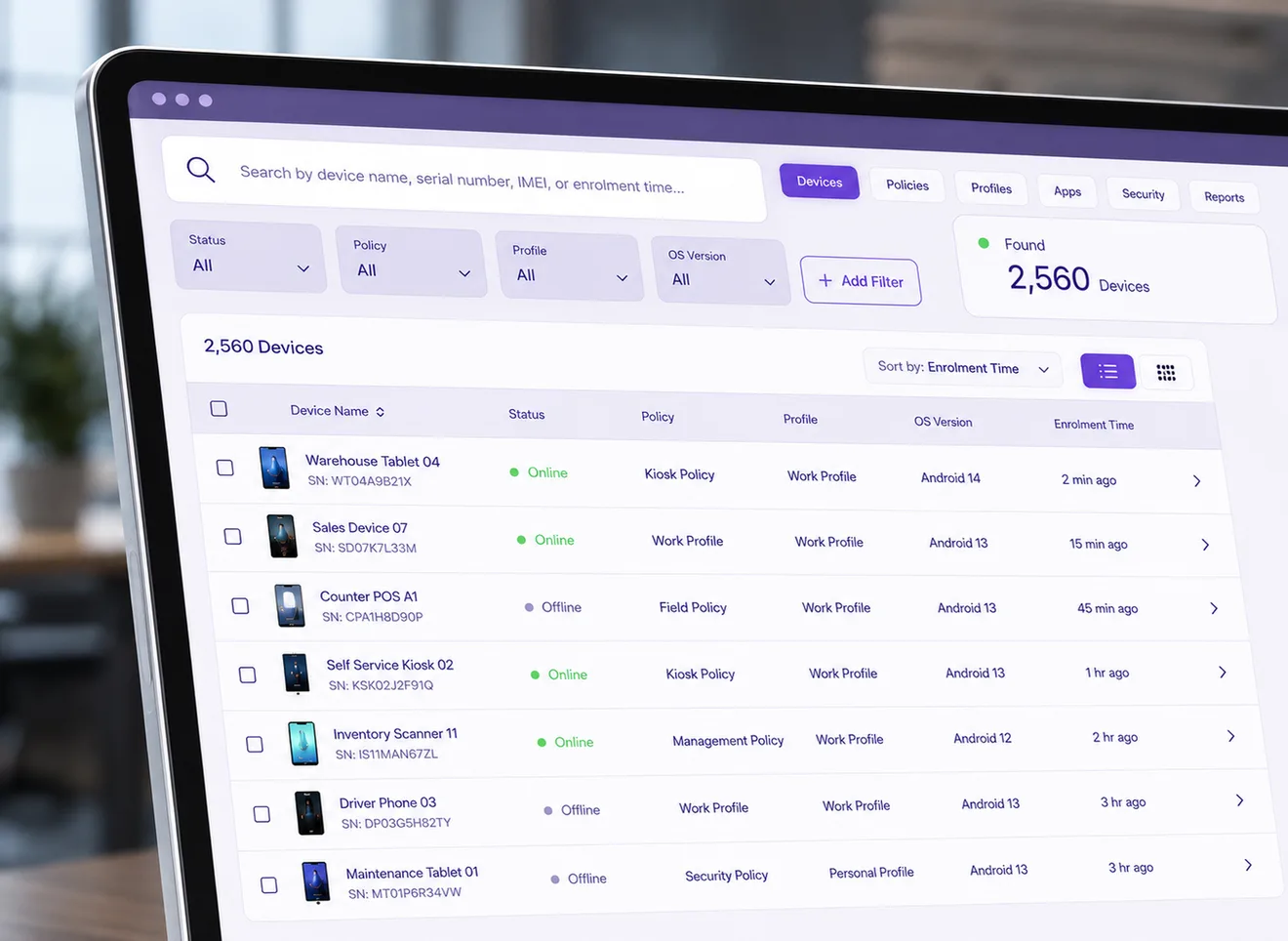
Smart Search & Filters
Find any device quickly using powerful search and filtering tools.
- Search by device name, serial number, IMEI, enrolment time.
- Filter devices by status, assigned policy, profile, or operating system version.
- Act faster by narrowing large fleets into relevant device segments.
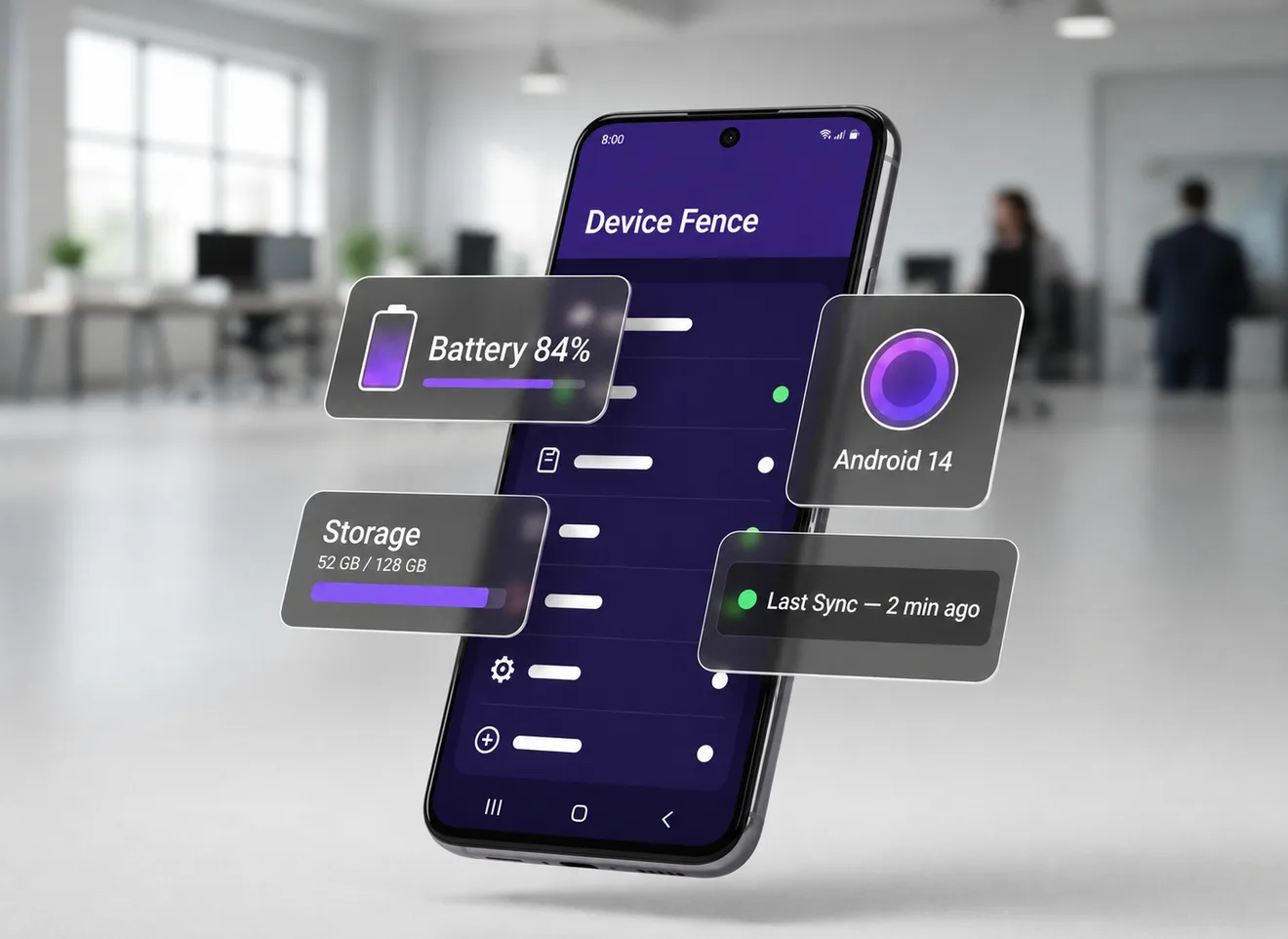
03 / 04 · Complete Device Detail View
Complete Device Detail View
Open a full device profile with everything administrators need to manage it.
- View hardware, OS version, battery, network, storage, and app details.
- Check assigned policy, device group, enrollment information, and last sync.
- Access available actions such as lock, reboot, wipe, or policy refresh.
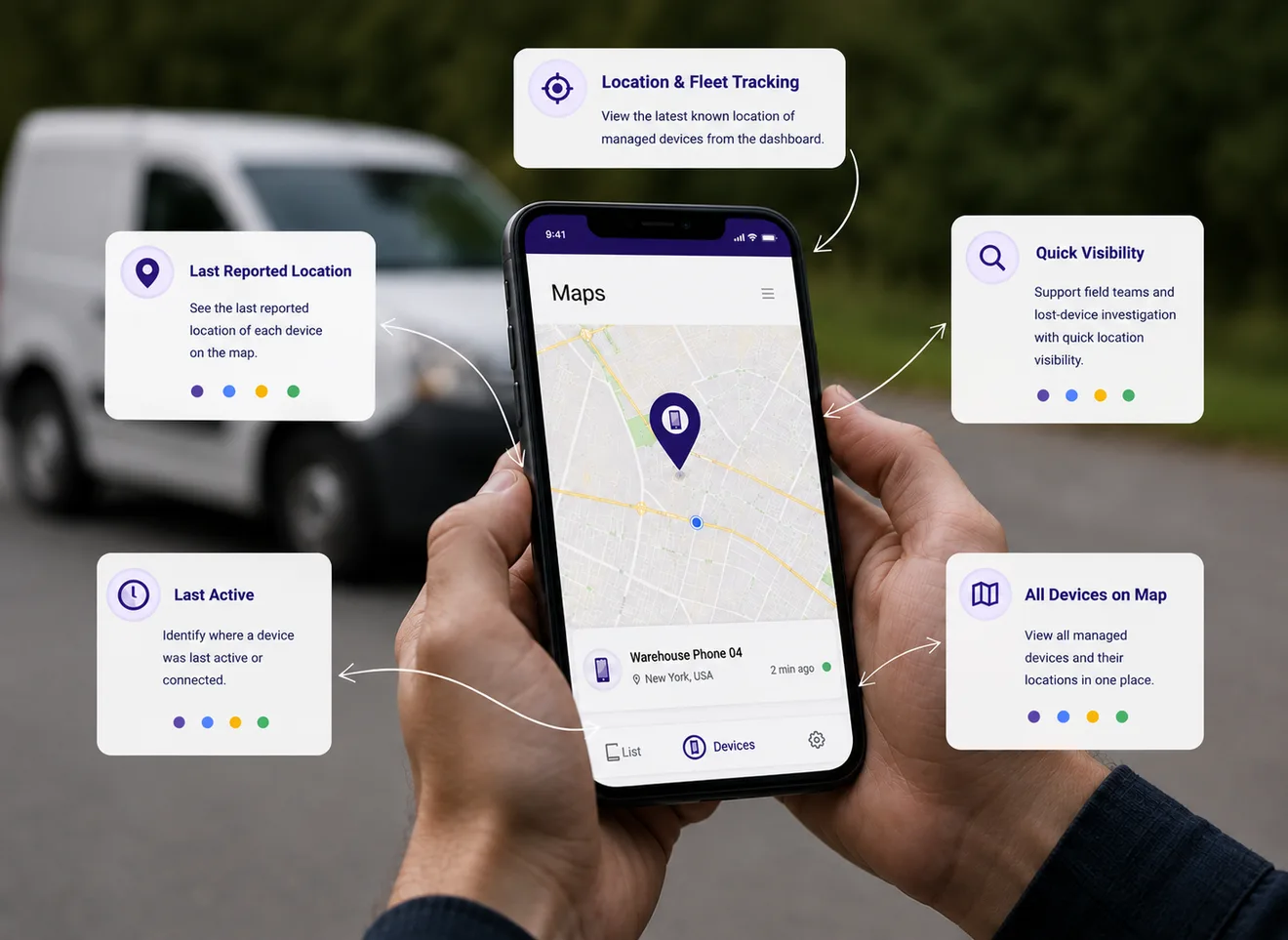
04 / 04 · Location & Fleet Tracking
Location & Fleet Tracking
View the latest known location of managed devices from the dashboard.
- See the last reported location of each device on the map.
- Identify where a device was last active or connected.
- Support field teams and lost-device investigation with quick location visibility.